
Admin Guide
As an Admin, your job is to govern the assessment publication pipeline and manage portal users. You are the final step in making approved assessments visible on the public Saudi NCAP website.
What you can do:
- Publish, unpublish, and archive assessments
- Manage user accounts and assign roles
- Oversee the Website Manager section (pages, media, site settings)
What you cannot do:
- Create or edit assessments
- Approve or return assessments (that is the Reviewer’s job)
- Access system configuration, audit logs, or monitoring
Logging In
Section titled “Logging In”-
Open the portal
Go to the Saudi NCAP Admin Portal. When the browser authentication popup appears, enter the portal credentials provided by your administrator.
-
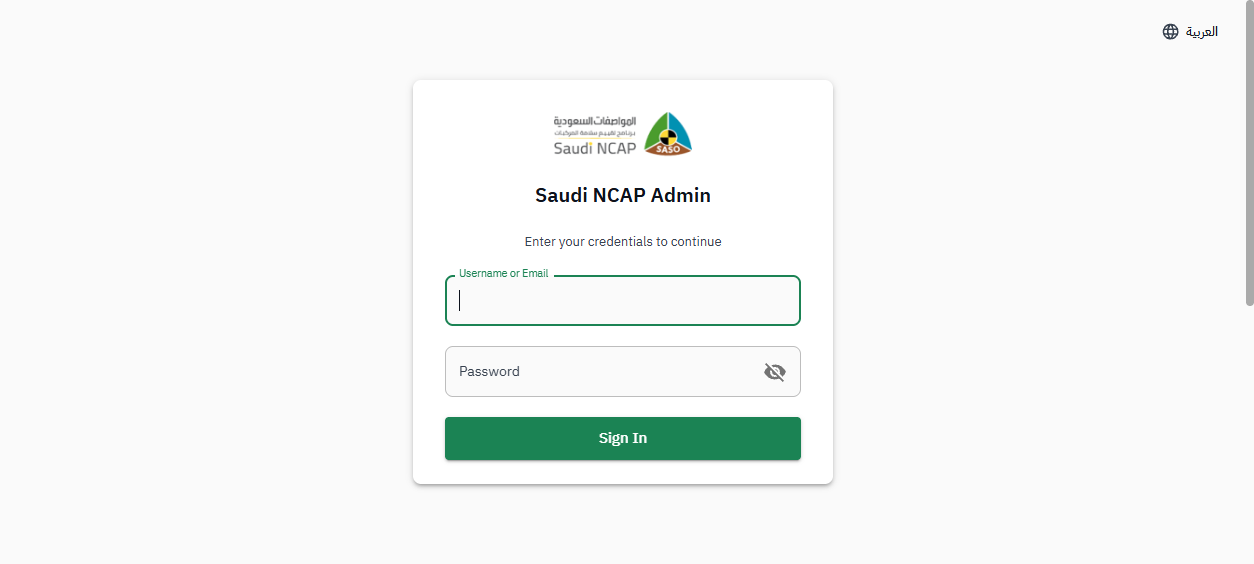
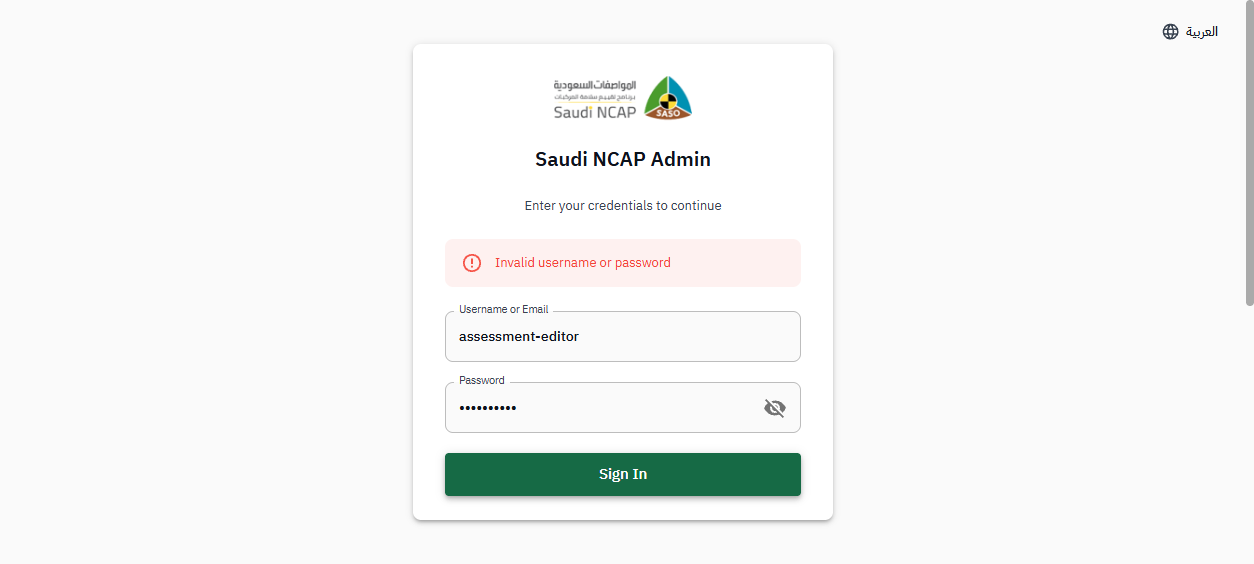
Sign in with your account
On the login page, enter your username and password, then click Sign In.
-
Verify your identity
On the verification page, select Email as the method, click Send Code, enter the 6-digit code you receive, and click Verify. You will be redirected to your dashboard.
What You See
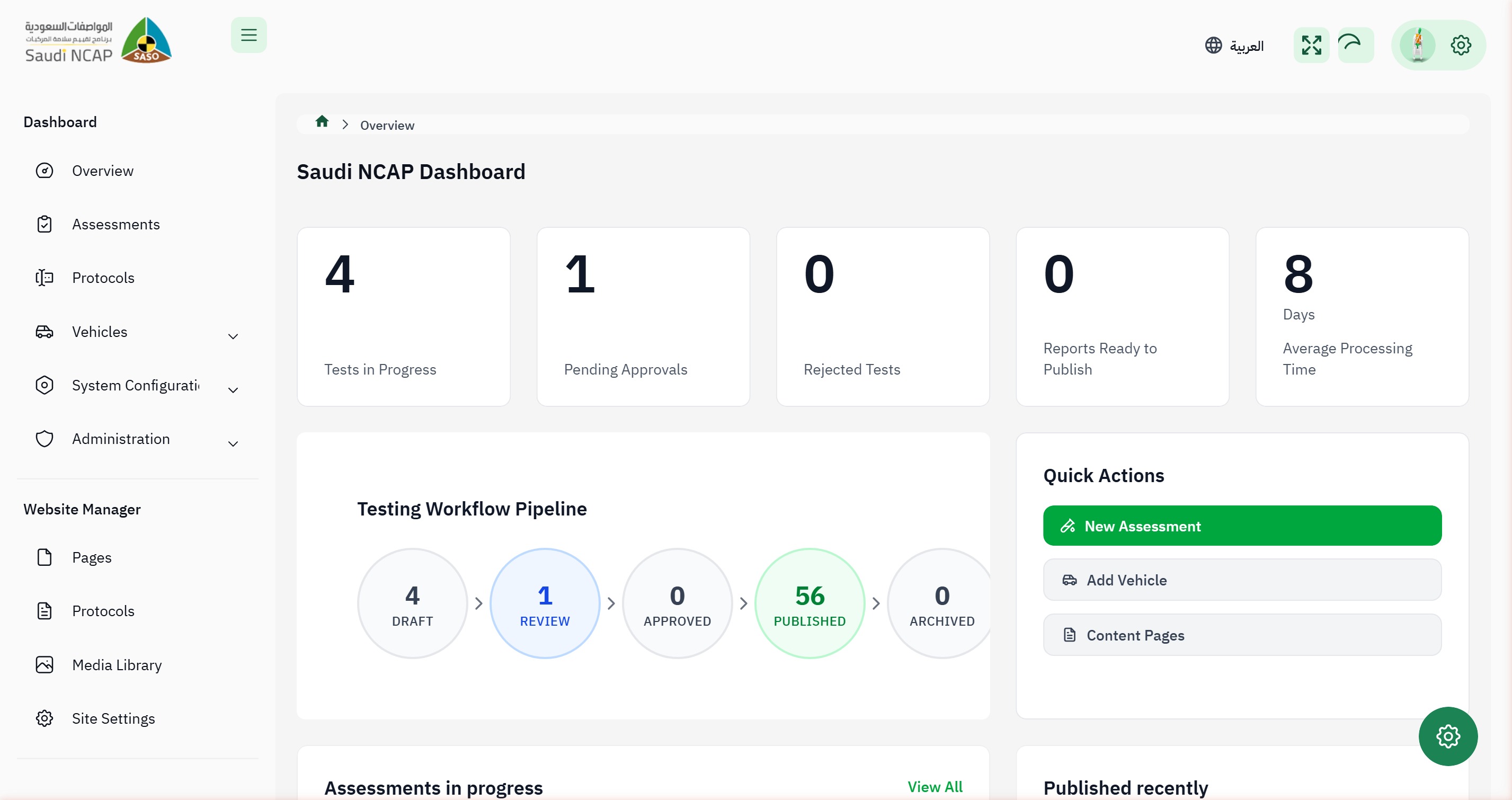
Section titled “What You See”After logging in, you arrive at the Dashboard with an overview of portal statistics. Your sidebar includes:
- Dashboard — overview and statistics
- Assessments — view and manage the publication pipeline
- Protocols — view assessment protocols
- Administration — user management
- Website Manager — pages, protocols, media library, site settings
Publishing an Approved Assessment
Section titled “Publishing an Approved Assessment”When a Reviewer approves an assessment, it is ready for you to publish:
-
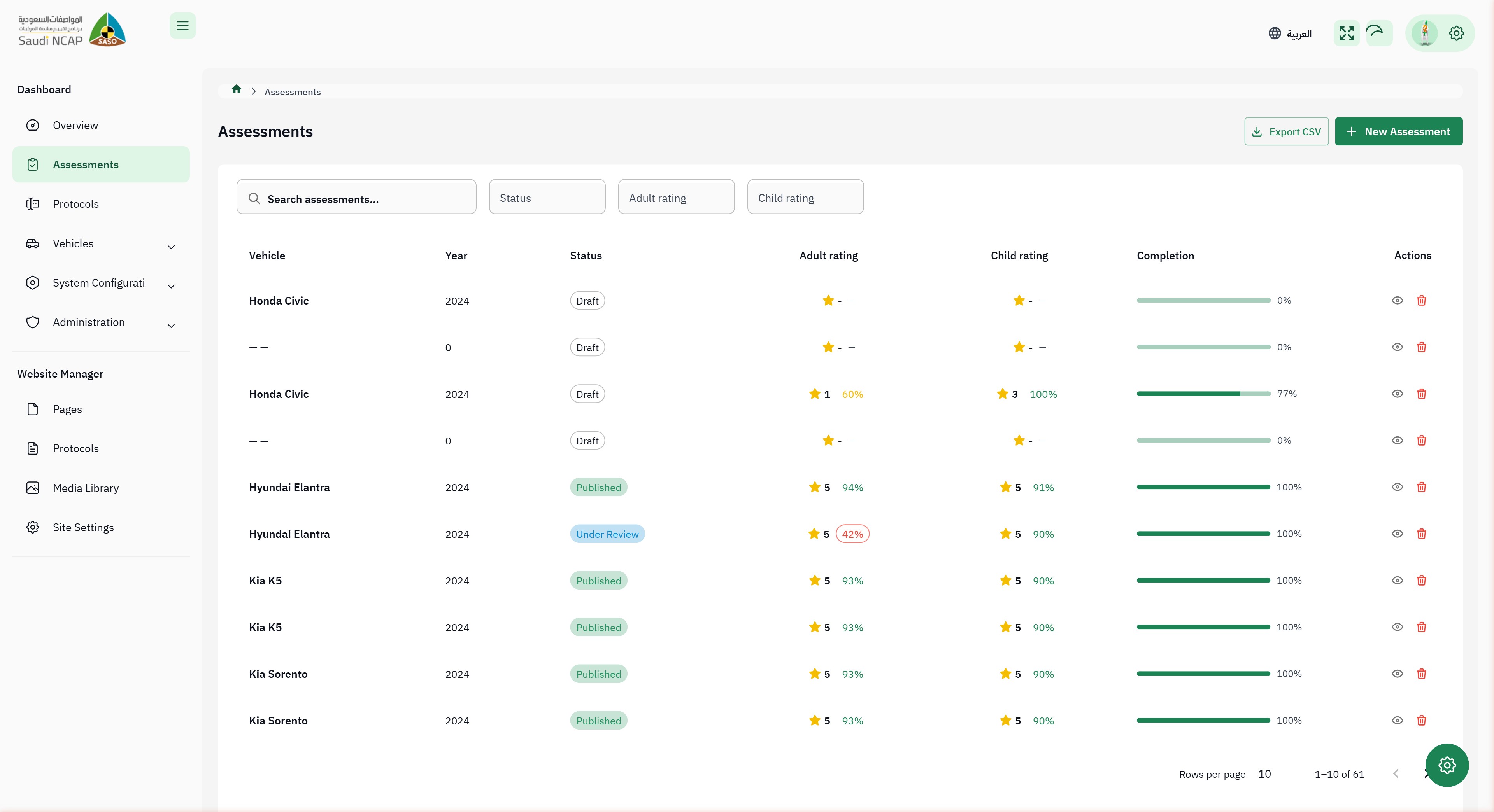
Go to the Assessments page
Click Assessments in the sidebar.
-
Find approved assessments
Look for assessments with Approved status. You can use the Status filter to show only approved assessments.
-
Publish the assessment
Click the Publish button on the assessment row, or open the assessment and click Publish from the detail view.
-
Confirmation
The assessment status changes to Published. It is now visible on the public Saudi NCAP website.
Unpublishing a Published Assessment
Section titled “Unpublishing a Published Assessment”If a published assessment needs to be temporarily removed from the public website:
-
Find the published assessment
Go to the Assessments page and find the assessment with Published status.
-
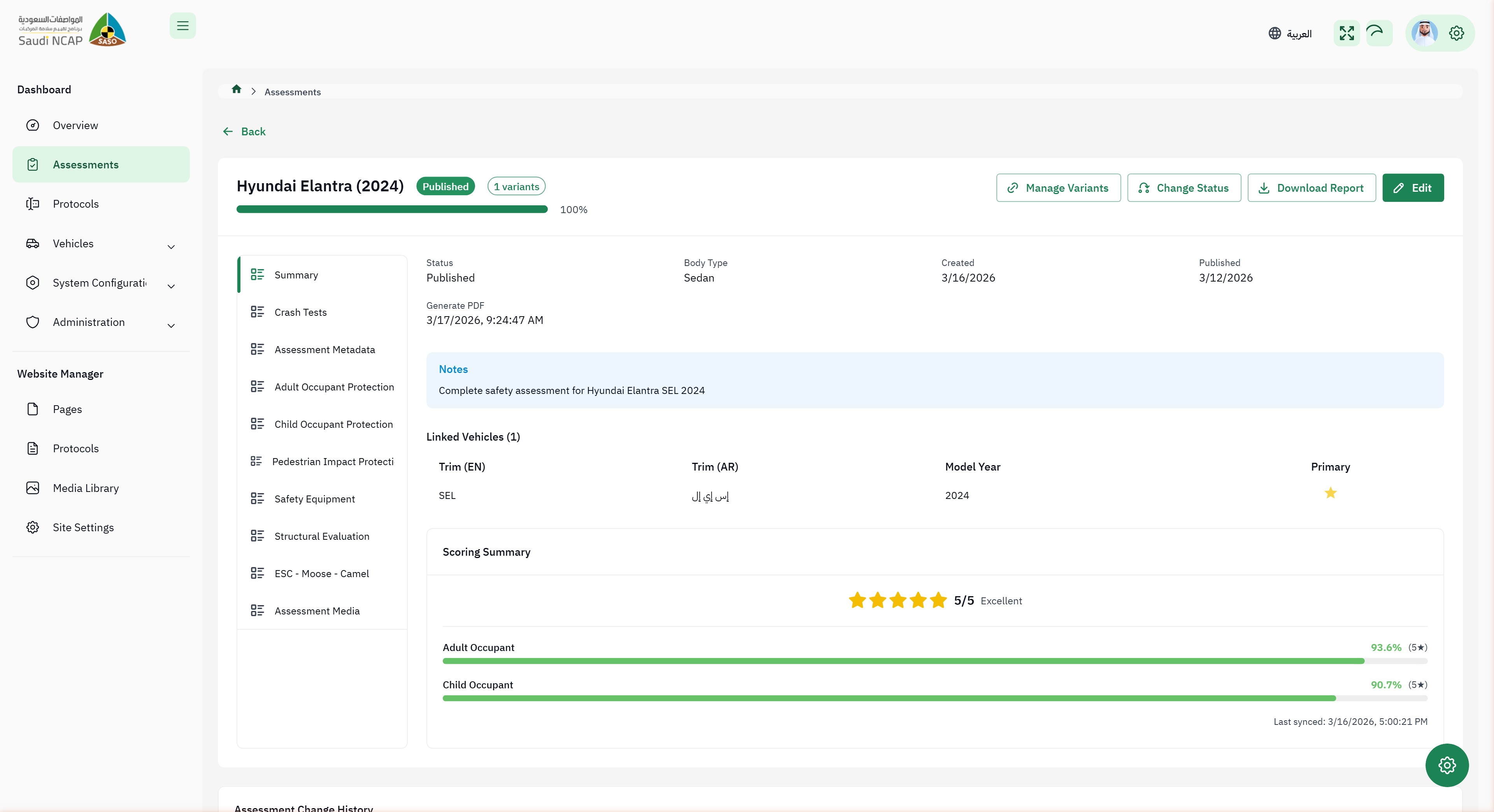
Open the assessment
Click on the assessment to view its details.
-
Click “Unpublish”
Click the Unpublish button. The assessment is removed from the public website but remains in the system.
-
Result
The status changes to Unpublished. The assessment can be republished later or archived.
Archiving an Assessment
Section titled “Archiving an Assessment”To permanently retire an unpublished assessment:
-
Find the unpublished assessment
The assessment must be in Unpublished status before it can be archived.
-
Open the assessment
Click on the assessment to view its details.
-
Click “Archive”
Click the Archive button. The assessment is moved to archived status.
Managing Users
Section titled “Managing Users”As an Admin, you can create user accounts and assign roles:
-
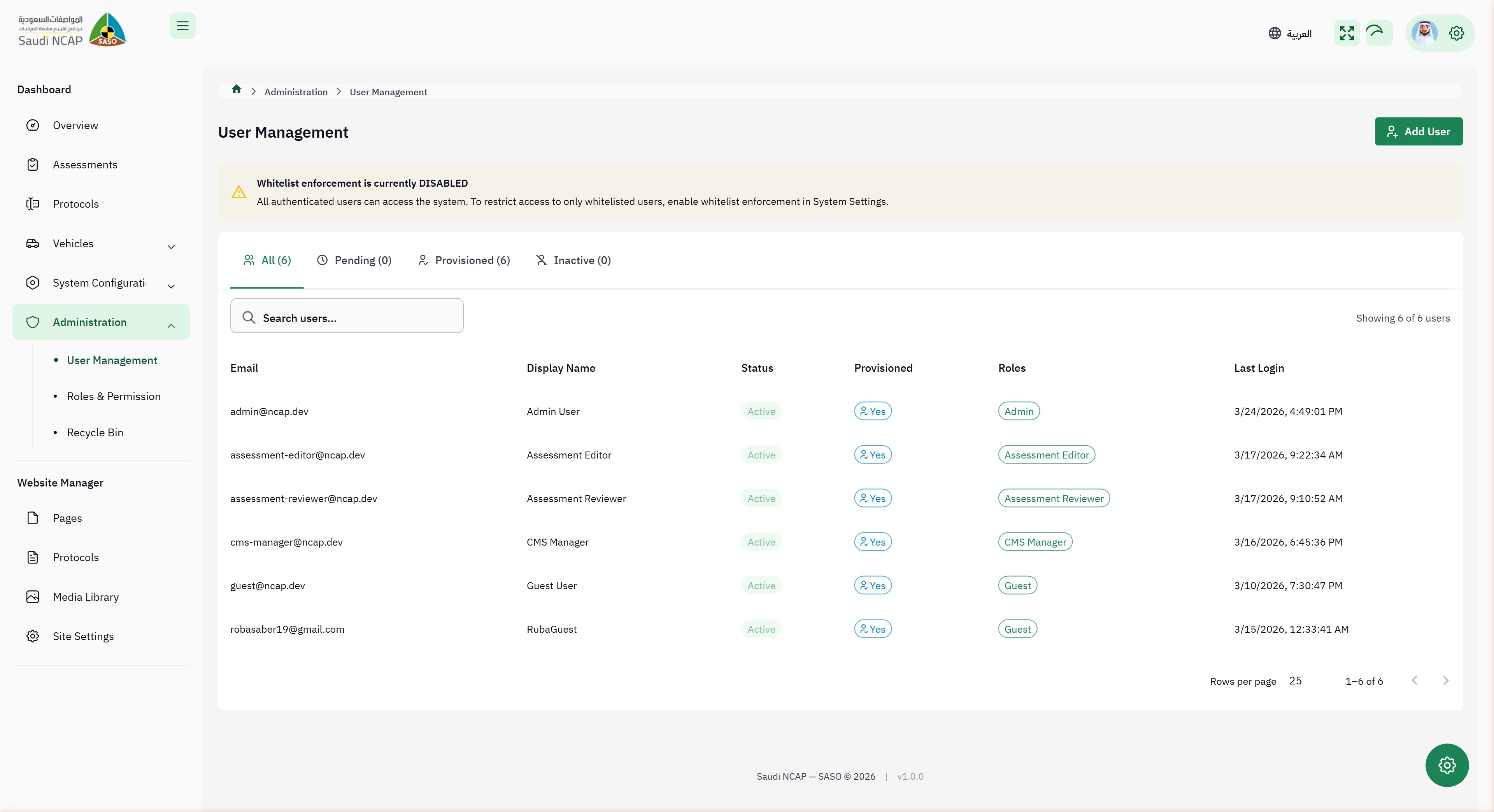
Go to User Management
In the sidebar, click Administration then User Management.
-
View existing users
The user list shows all portal accounts with their assigned roles and status.
-
Create a new user
Click the create button to add a new user account. Fill in the user details and assign the appropriate role (Assessment Editor, Assessment Reviewer, CMS Manager, etc.).
-
Modify an existing user
Click on a user to edit their details, change their role, or deactivate their account.
Website Manager
Section titled “Website Manager”The Website Manager section gives you oversight of the public website content:
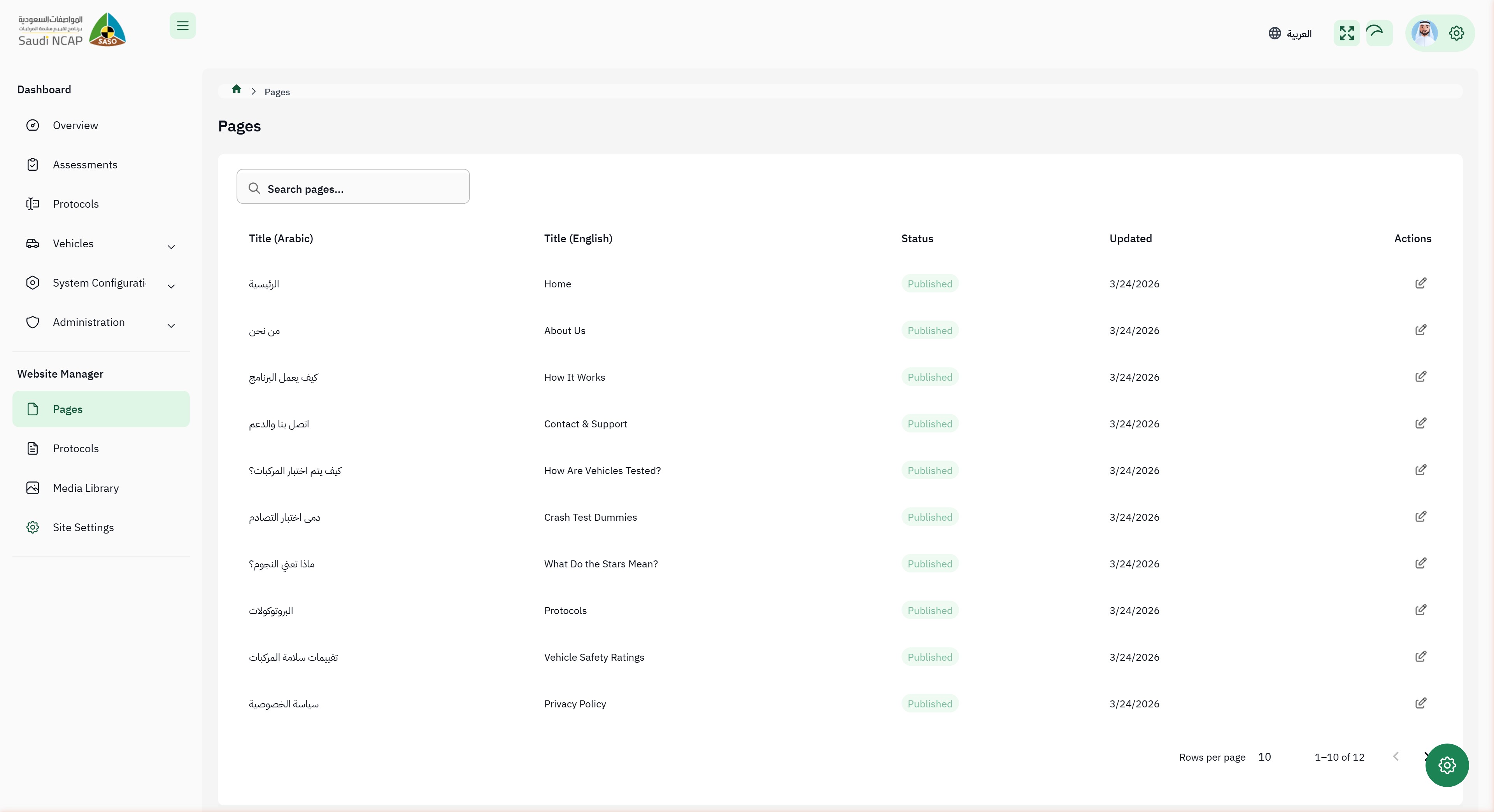
- Pages — view and manage bilingual content pages
- Protocols (CMS) — view protocol documentation for the website
- Media Library — browse and upload media files (images, documents)
- Site Settings — view site configuration (read-only for Admin)
This section is shared with the CMS Manager role. As an Admin, you have the same capabilities here but can also see Site Settings.
Known Differences
Section titled “Known Differences”There are currently no known differences between the intended design and the current system for the Admin role.